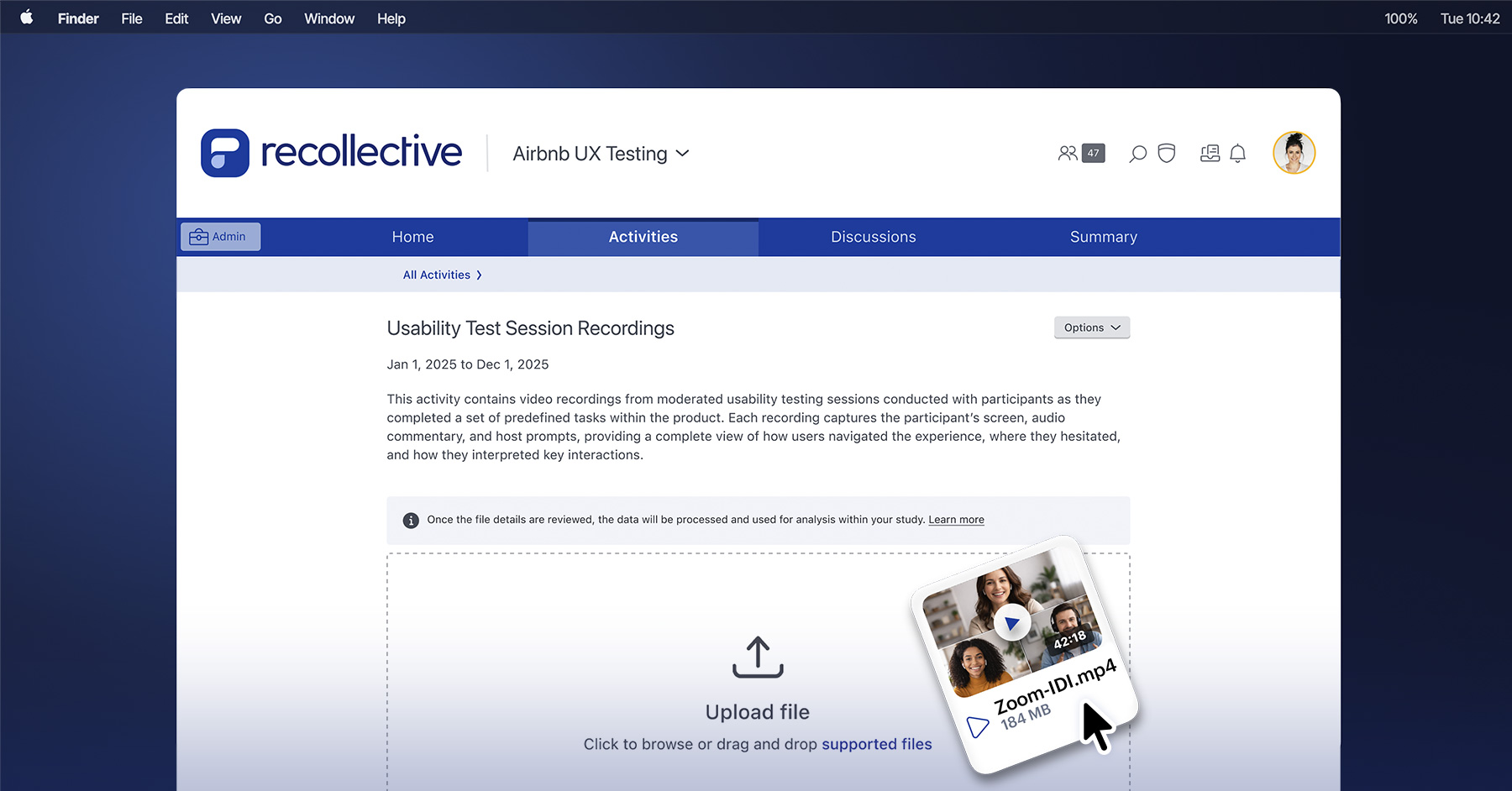
With every Recollective release we strive to perfect, enhance and innovate the platform. We do so with direct input from hundreds of customers running thousands of studies on Recollective every year — 2016 was no exception.
For the sake of usability, it's impossible to present a comprehensive list of the many improvements we made to Recollective in 2016. Instead, this post will focus on the top improvements requested by customers. Let's jump in!
Improvements to Discussion Boards
Discussion boards are one of the most effective ways to organize qualitative research. Here we ask participants to respond to a message board with a text, photo or video response. They can also comment on other participants' responses and like or flag content.
This year we made some key improvements to how researchers can set up and manage discussions.
Discussion Board Visibility
In discussions, researchers sometimes want participants to be able to view each other's responses. In other cases, researchers want replies to remain private. Previously, Recollective offered a simple binary toggle between private and non-private responses.
Now, researchers can access a full range of visibility options:
- All responses: Participants and researchers can see all responses and comments from everyone.
- Participant's own: Participants can only see their own responses. Researchers can still see all responses and comments.
- Sequential: Participants only see responses posted before theirs. Researchers can still see all responses and comments.
- Milestone: Participants cannot view any responses until they have submitted their own. Researchers can still see all responses and comments.
Response Hiding
Researchers and moderators can now choose to hide individual responses from participants. This is useful in cases where researchers want to avoid influencing participants by exposing particularly biased responses.
Sorting Participant Responses
Sorting in discussion boards is now more flexible. On the Activity Stream page, researchers can now sort by time of submission, or they can sort by group membership or segment to gather all responses from a particular group in one place.
Targeting with OR Logic
Targeting options can now be set using OR logic in addition to AND logic. For example, you can now target everyone who is either a man over 40 or a woman under 30 (two OR conditions); previously this could only be accomplished by creating separate activities for each group.
Inline Translations
We've improved the inline translation feature in discussions. Previously, translation was limited to the response text only; now, it also includes all related comments.
Activity Comments
Researchers and moderators can now make comments directly on individual activities. These comments are hidden from participants.
Media Enhancements
Video Chat Improvements
Recollective's Video Chat feature allows researchers to connect with participants directly in-platform for a face-to-face interview. In 2016, we dramatically improved our Video Chat feature to make it more accessible and stable.
The following improvements were made to Video Chat:
- Session recording capability (audio only in some browsers)
- Improved video quality
- Enhanced audio settings management
- Performance improvements including faster loading times
Video Submission
We've added a new video submission option. Now, participants can respond to an activity by submitting an existing video directly from their mobile device's video gallery.
Video Clipping
For faster analysis, researchers can now clip any participant video to highlight a specific portion of the video. These clips can then be used in reports to share with stakeholders.
Photo Editing
Participants can now crop and lightly edit photos submitted to the platform. Similarly, researchers can edit participant photos before use in analysis.
Reporting Improvements
2016 saw significant improvements to our reporting capabilities, including the ability to include video clips and the addition of new chart types.
New Chart Types
When building reports or analyzing data, researchers can now include bar charts and pie charts in their reports. Previously, only line graphs were available.
Video Clips in Reports
Researchers can include video clips in their reports. They're embedded directly in the report document, just like a YouTube video on a website. These video clips can be from any activity in the study.
Administrative Tools
Search
You can now find any activity within a study using Recollective's search tool.
Segment Management
Researchers now have better access to segment information within a study. Segment data can be viewed from the participant list and can be more easily exported and imported.
Sharing Participants Across Studies
Researchers can now easily move participants between studies. This ensures efficient use of participant accounts.
Sharing Resources Across Studies
Now administrators have the ability to take any activity and paste it into a different study. Before, each study would start from scratch; now, your work in one study can be directly applied to another.
CSV Exporting
Researchers now have the ability to export many types of content in CSV format (comma-separated values). Previously, only one type of export was available.
Localization
French Support
Recollective is now available in French. Any content specifically entered by the researcher in English will need to be translated manually, but all of the general interface text — things like button labels and system prompts — has been translated.
Locale Management
Administrators can now manage different locales from a Locale management page. This allows them to specify the language preference for their participants within Recollective.
Other Notable Improvements
Participant Avatars
Participants can now upload their own avatar within Recollective. These avatars will appear throughout the platform wherever participant names appear.
Improvement to the Activities Builder
Making activities is easier than ever thanks to a cleaner interface, new HTML editor for activity instructions and easier drag-and-drop reordering. Plus, activities can be saved as drafts before publishing and can be previewed before going live.
Scheduled Tasks
Scheduled tasks now work with multiple locales. Researchers can now add multiple scheduled tasks to a single activity.
Screener Improvements
The screener used to onboard participants is more flexible and easier to manage.
Privacy Controls
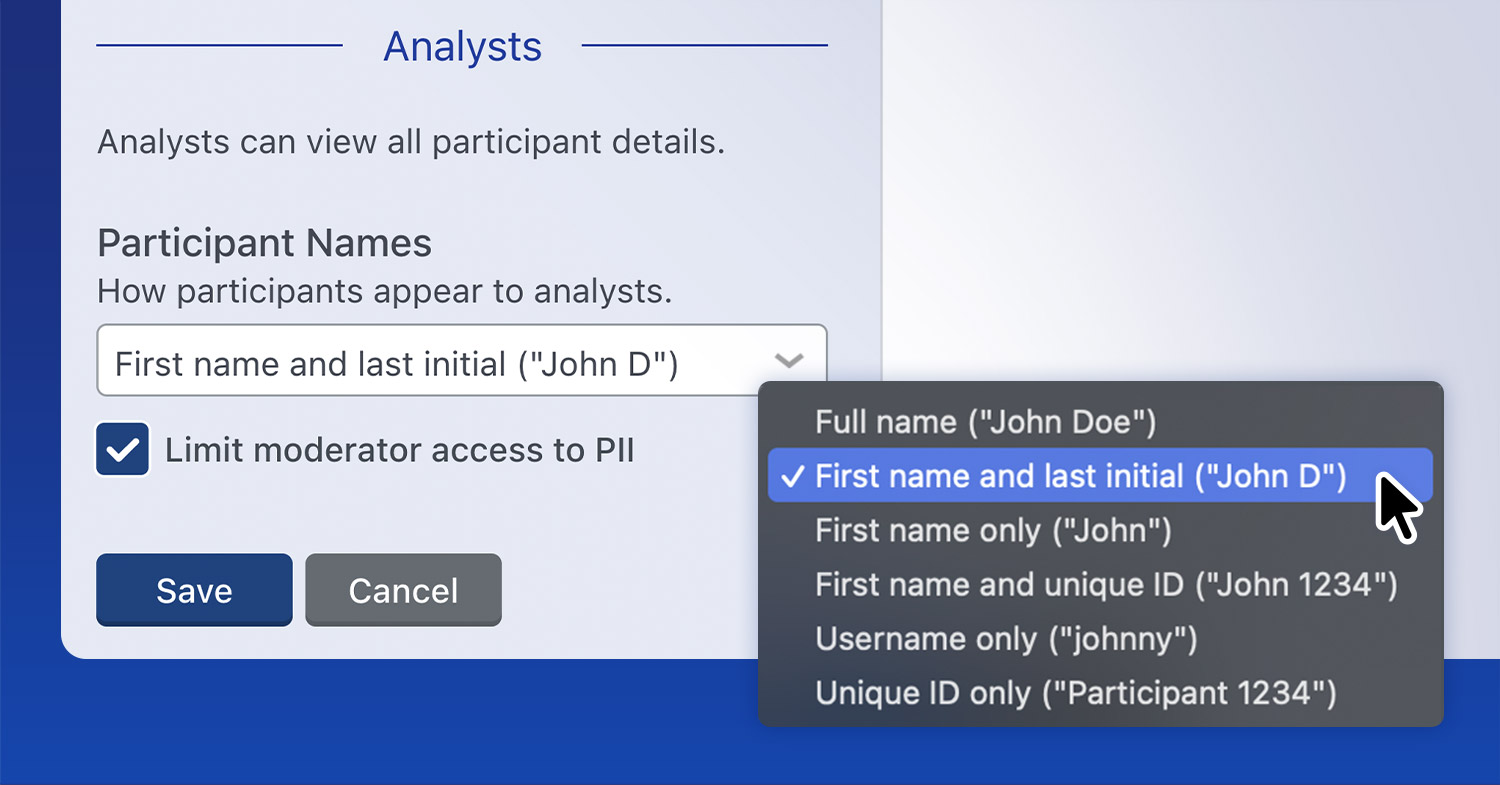
Researchers now have more control over participant privacy within the platform.
Looking Ahead to 2017
We have some great new features and improvements planned for 2017 so stay tuned. If you want a demonstration, contact us .
Your ideas and feedback are always welcome!