
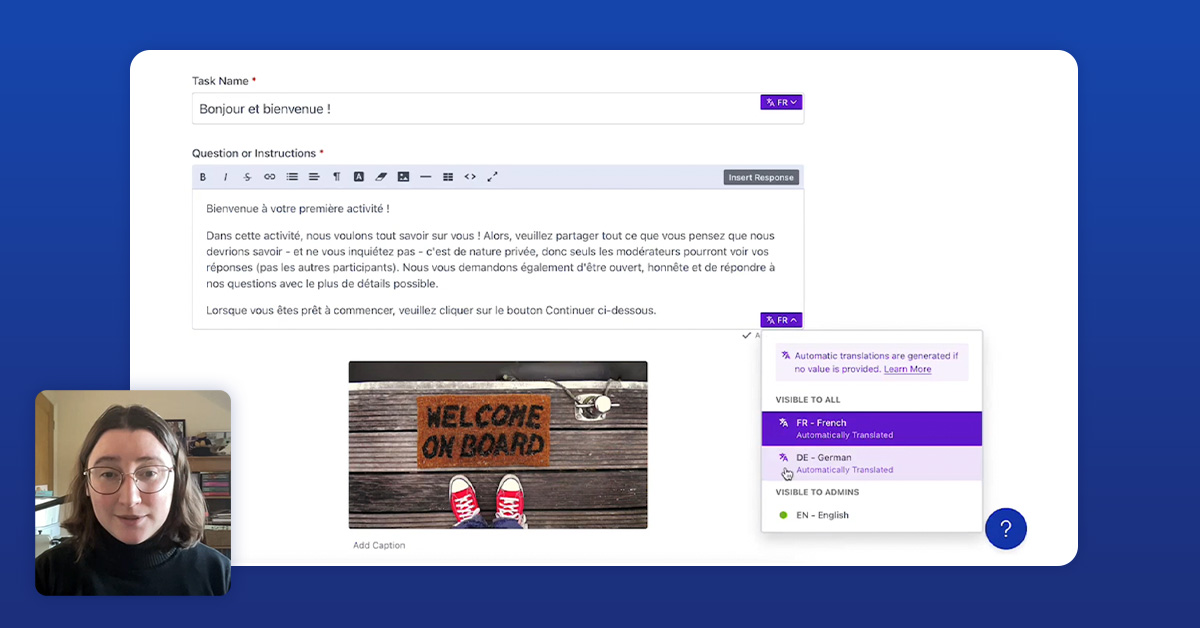
Why Automatic Translations in Recollective Matters
Multilingual research used to mean endless back-and-forth with translators, local moderators and spreadsheets. Recollective’s Automatic Translations flips that:
- Real-time translations: Instantly translate all study content and participant responses. This gives you immediate access to insights, speeds up decision-making and reduces project delays.
- Simplified moderation: Admins view all responses in their preferred language while participants engage using their preferred language. This reduces errors, minimizes the need for multiple moderators and lets you focus on analyzing insights rather than managing translations.
- Unified exports: Generate a single-language dataset for faster, cleaner analysis. Consolidated data saves time, ensures consistency, and enables faster reporting across markets.
Pro tip: Keep your workflow in-platform whenever possible. It saves time, reduces errors and ensures context isn’t lost in translation, so your insights remain accurate and actionable.
How Recollective’s Automatic Translations Simplify Complex Research
You don’t need to be a translation expert to manage multilingual studies—Automatic Translations has you covered, especially when you're:
- Conducting research in multilingual countries (Canada, with English and French participants, is a classic example)
- Working with bilingual or multilingual panels, participants can choose the language they’re most comfortable with.
- Running studies across varied markets and giving participants who speak different languages the ability to interact in the same study space.
- Conducting research in a language you don’t speak—admins can moderate and analyze without relying on third-party translations.
Quick win: Give participants the freedom to choose their language. When you do, they’re more likely to fully understand the questions, feel comfortable expressing themselves and reflect their true thoughts — which means richer, more authentic insights.
Single vs Multi-Study: Study Design Choices That Make Execution Easier
Before you dive in, pause and ask yourself: how will your team moderate and how will participants engage?
Single Study
- Best for: Consolidated data, shared moderation teams, cross-market interaction
- Example: Participants in the US, France and Germany interact in the same study space
- Why it works: Ideal for collaborative, cross-market studies where interaction is key
- Best for: Localized moderation, separate market outputs, staggered launches
- Example: Separate studies in the US, France and Germany with independent moderation teams
- Why it works: Perfect for market-specific workflows or when reporting needs differ
Pro tip: Aligning your workflow to your study design early on helps streamline collaboration and ensures data stays clean and consistent.
Step-by-Step Automatic Translations Study Setup in Recollective
Here’s how to get started with Recollective’s Automatic Translations:
Step 1: Enable Target Languages
- Go to Site Administration (Analyst role required)
- Enable all languages that your study will cover
- This unlocks translation features for content and participant responses
Step 2: Program in Your Working Language
- Build your study in the language your team knows best (e.g. English)
- Automatic Translations generates the other enabled languages automatically
Step 3: Review and Refine
- Language flags indicate:
- Purple: Automated translation
- Green: Custom translation
- Make tweaks as needed—your edits are preserved automatically
Step 4: Handle Media Thoughtfully
- Fields without language toggles (like attached stimuli) appear across all markets
- Embed market-specific content in the Task Instructions field if needed
Pro tip: Start in your working language and review translations in parallel. It’s faster and prevents errors.
Step 5: Export Your Data
When your study concludes:
- Turn on Translated Responses in the Language Preferences menu
- Export content and participant responses in a single unified language
- Avoid delays and costs of third-party translation—everything stays in-platform
Quick win: Export immediately in your preferred language to streamline reporting and analysis.
Moderation & Analysis Using Automatic Translations in Recollective
Moderating multi-language studies doesn’t have to be a juggling act. Recollective’s Automatic Translations helps you to:
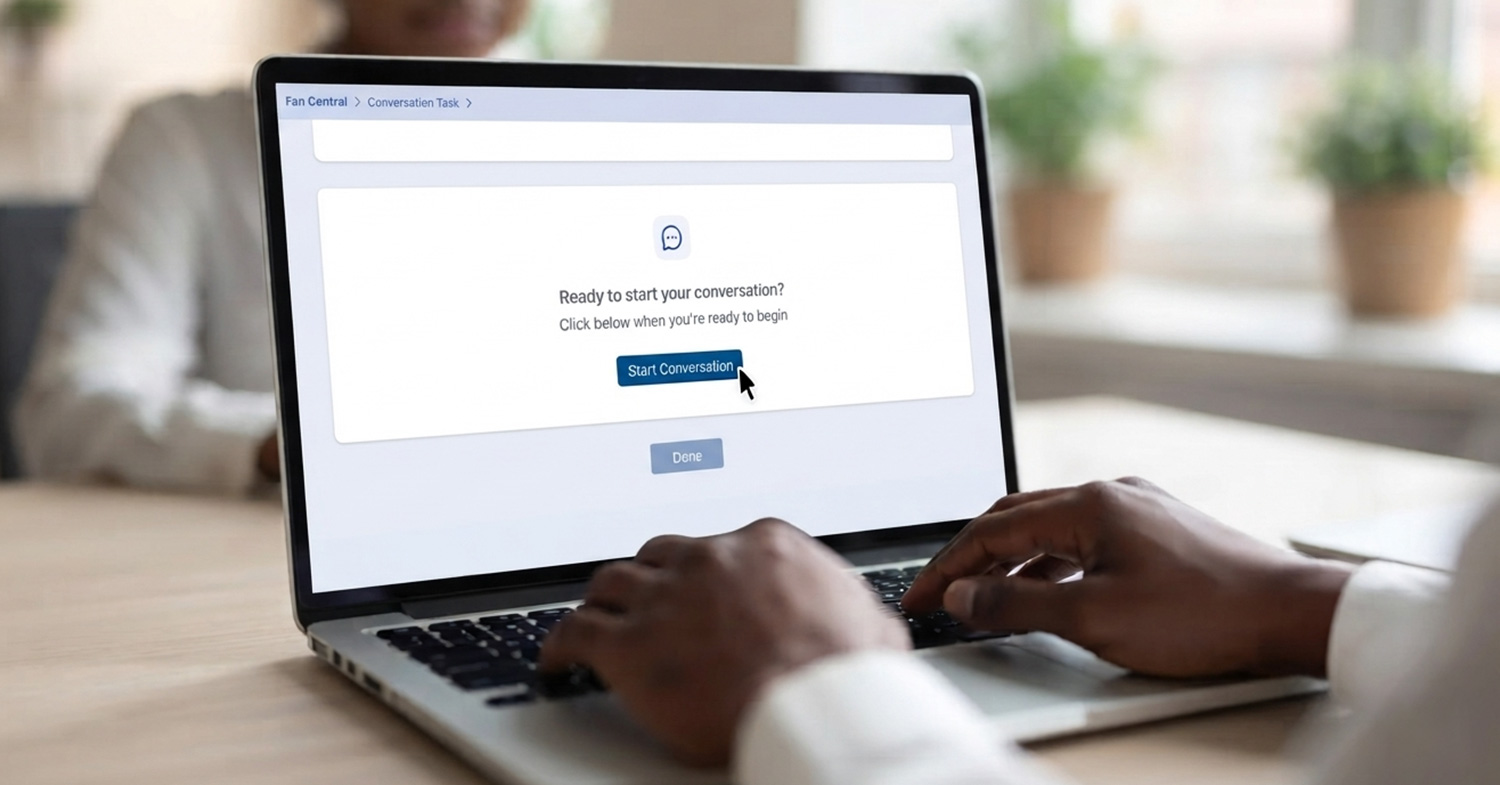
- View responses in real-time: Admins see content in their preferred language while participants engage in theirs.
- Two-way translation: Admin comments and follow-up questions are automatically translated for participants.
- Cross-market collaboration: Single Study setups allow participants from different languages to interact.
- Maintain context: Easily toggle back to the original language for clarity.
Pro tip: Encourage participants to use their preferred language. This keeps cross-market conversations natural and ensures responses stay rich and nuanced.
Final Thoughts: How Recollective’s Automatic Translations Streamlines Multi-Market and Multilingual Research
Recollective’s Automatic Translations makes multi-market, multilingual research:
- Efficient: Reduce time spent on manual translations and coordination
- Inclusive: Support participants across languages without limiting interaction or engagement
- Insightful: Consolidated responses in one unified dataset for faster, deeper analysis
Remember to:
- Decide early: Single Study or Multi-Study? The choice affects moderation, participant interaction and reporting.
- Start in your working language: Build content first, then translate.
- Review automated translations: Minor edits can ensure clarity and cultural relevance.
- Think about participant experience: Language options should feel natural and intuitive.
- Export strategically: Use translated exports for reporting, original-text access for context.
By following these steps and tips, you can confidently run multi-market, multilingual studies with less friction and more clarity—turning complex global research into a streamlined, accessible process.
Explore within your Recollective site today or reach out to our team to get started!
Watch the Webinar
Watch the full replay of the Automatic Translations Masterclass webinar below:





.svg)