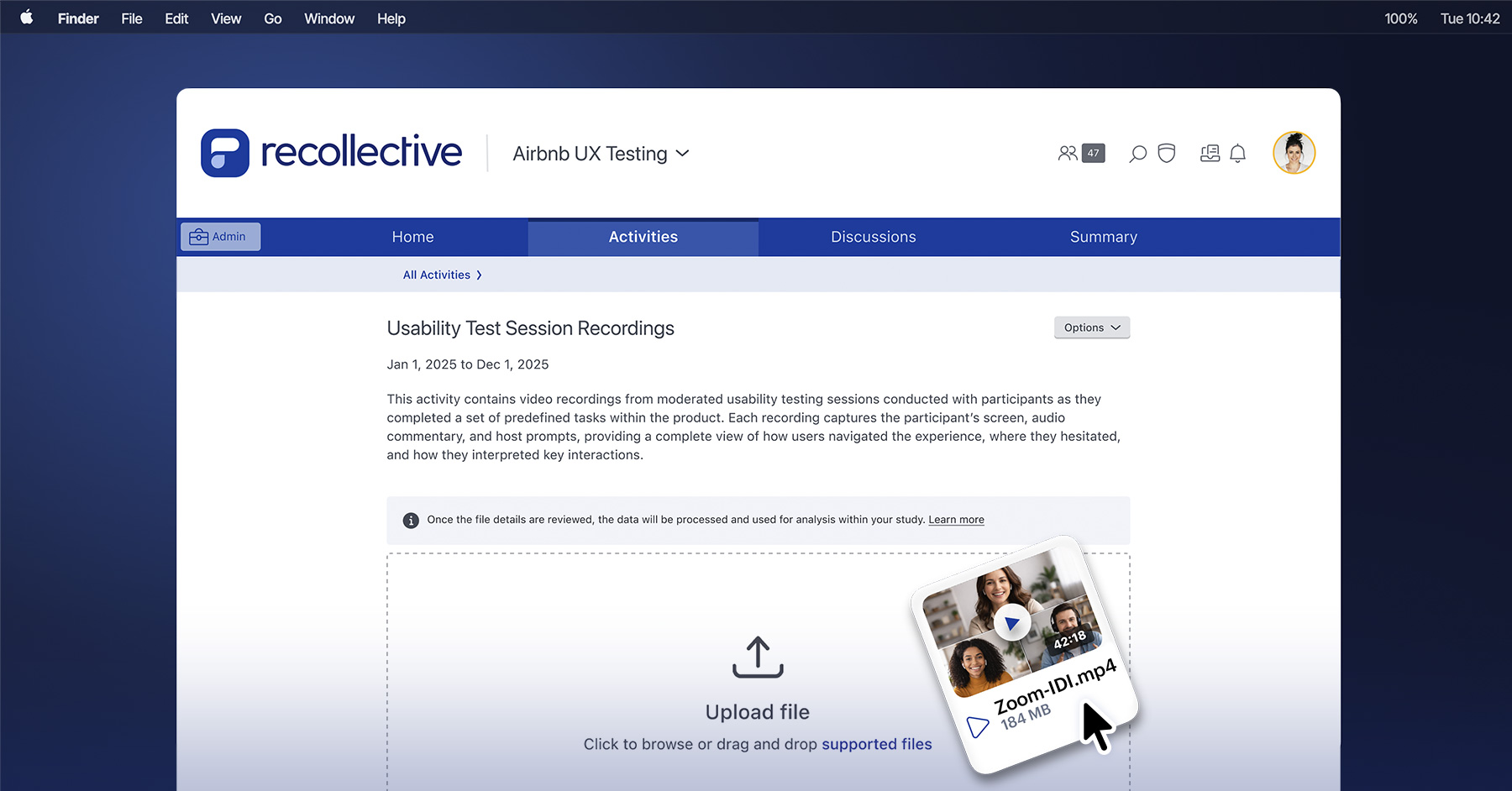
Recollective's Conversation Task helps researchers run AI-moderated interviews that collect rich qualitative insight at scale. Until now, each of those conversations was guided only by an objective a researcher set for it. For example, if a participant said during a Screen Recording Task that a product felt "easy to use but confusing at first," the Conversation Task that followed couldn't ask them to elaborate.
Response-Aware Conversations close that gap. The Conversation Task now draws on a participant's completed responses in the same activity, so the AI moderator is able to ask questions that build on information already shared.
How Response-Aware Conversations Sharpen AI-Moderated Interview Follow-Up Questions
Research rarely happens in one step. For example, when a participant reacts to a concept or explains their experience, that response informs the researcher where to probe next. As skilled moderators, you have context and training to ask targeted follow-ups, clarify meaning and dig beneath the superficial answer.
Response-Aware Conversations give context to AI-moderated interviews. With earlier responses in memory, Recollective’s AI moderator can now:
- Improve data quality. For example, by filling in any gaps left open by earlier task responses or making sense of responses that point in different directions across tasks.
- Respect a participant's time by getting straight to the topics and depth earlier tasks haven't covered, while skipping anything they've already indicated doesn't apply to them.
- Give participants a more natural experience by treating the whole activity as one continuous conversation the moderator follows the whole way through.
For researchers, this means a Conversation Task moves beyond a standalone interview and becomes part of a continuous, context-aware journey.
How To Set Up Response-Aware Conversations
When configuring a Conversation Task, researchers simply check the box to Include prior task responses as context under the Conversation Objective. They can then use the Conversation Objective to specify which prior responses the AI moderator should reference and how it should use them.
Once enabled, the Conversation Task reads and is able to reference completed responses from earlier tasks in the same activity when conducting the interview. This covers responses from all task types except photo and file responses.
For video and screen recording, the Conversation Task uses the transcript to understand what participants said or wrote. Currently, it does not directly analyse the visual layer of the image, video or screen recording.
When Response-Aware Conversations Are Most Useful
Response awareness supports many research goals. Three use cases stand out.
Explore open-ended feedback
If a participant says a product is "easy to use but confusing at first" in a Screen Recording Task, the Conversation Task can explore exactly what made that first experience confusing by responding to what the participant actually said, instead of relying on a generic follow-up.
Connect what a participant said across tasks
When a participant rates healthy eating as their top priority, then later explains in a video that they often choose quick, convenient meals, a Conversation Task can explore that difference. For example, the AI moderator could ask: "You mentioned that healthy eating is important to you yet you also shared that convenience often shapes your meal choices during the week. What tends to get in the way of eating the way you'd like to?"
Follow up on specific conditions
Response-Aware Conversations support conditional follow-up. When you give the moderator several topics to explore, it pursues only the ones a participant's earlier responses show are relevant. If someone mentioned Amazon or another platform in an earlier task, the Conversation Task asks about that experience. If a platform never came up, the moderator skips it. Each participant spends time on what applies to them, rather than answering the same set of questions as everyone else.

How to Design More Connected Conversation Flows
Response-Aware Conversations work best when the researchers treat the Conversation Task as the next step in an ongoing conversation rather than a standalone interview. Place it after participants have already shared relevant feedback, reactions or decisions, so the AI moderator has meaningful context to build on.
A clear Conversation Objective still matters just as much. Prior responses give the moderator context and the objective decides what to do with it (clarify broad feedback, explore a trade-off, follow up on a strong reaction or compare what a participant said across tasks, etc).
With good placement and a clear objective, the Conversation Task transforms from a fresh interview into a continuous conversation in which the moderator has been paying attention the whole way through.
For detailed setup guidance, supported task behaviour and limitations, visit the Recollective knowledge base.